
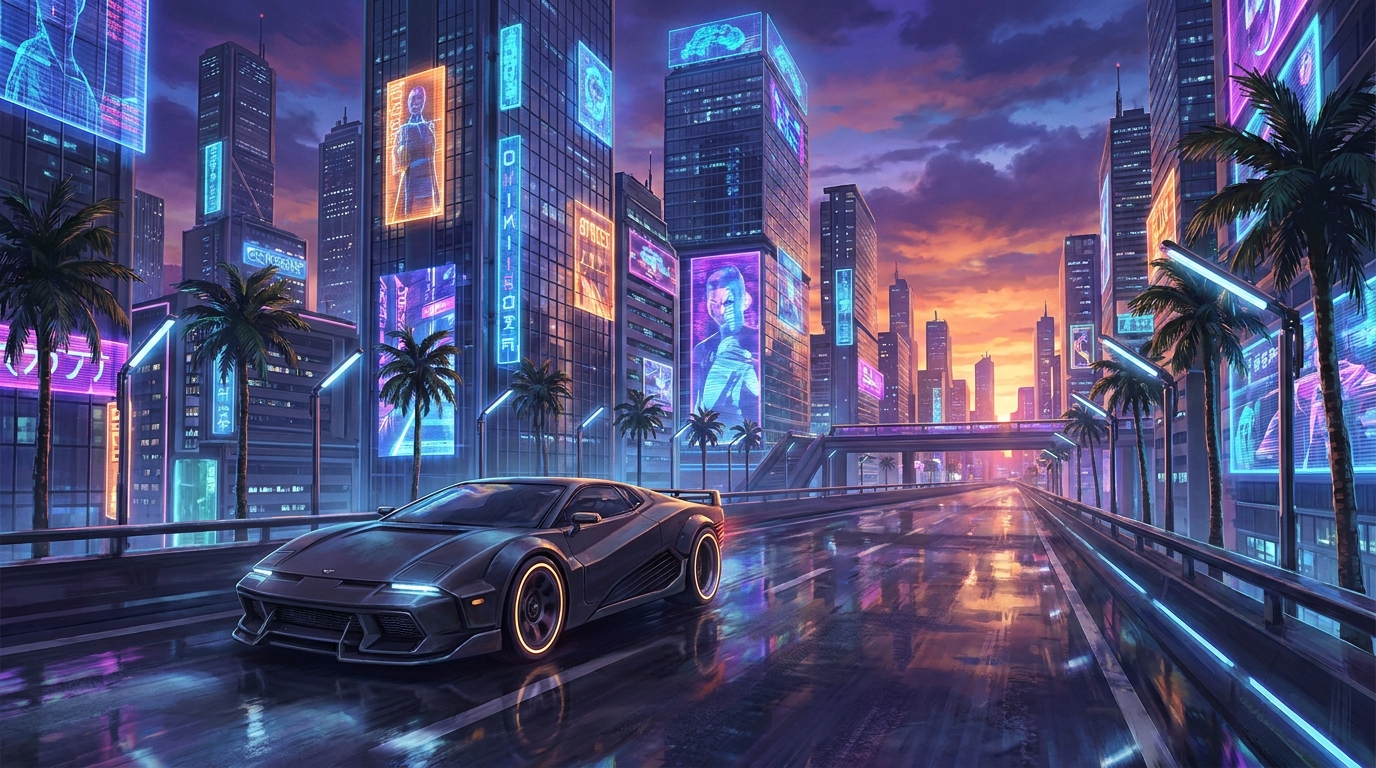
Experience the Best GTA V Mods Like Never Before
You seriously need to check out the best gta v mods if you want to breathe fresh life into Los Santos. Trust me on this one. Playing the vanilla version is fine for your first run, but once you finish the main story, the real fun begins when you start tweaking the files. I still vividly remember sitting in my apartment in Kyiv during a massive power blackout a few years ago. I had my gaming laptop hooked up to a portable power station, just trying to keep my sanity intact. I spent hours manually installing custom car files and weather scripts. It felt incredibly rewarding, almost like I was a digital mechanic working in a garage under the cover of darkness. Modding kept my spirits up.
The thesis here is simple: custom scripts and visual overhauls completely change the physics, graphics, and sheer enjoyment of the game, giving you infinite entertainment without costing you an extra dime. Why settle for standard textures when you can make everything look photorealistic? It is wildly satisfying to load into a world that you built piece by piece. Forget about standard missions; you can literally turn yourself into a superhero, a cop, or a zombie survivalist. Grab a cup of coffee, and let me walk you through everything you need to know about setting up your dream setup.
Why You Need These Upgrades Right Now
There is a massive difference between playing the base game and running a fully customized build. The visual overhaul alone is enough to make your jaw drop. Add in totally revamped gameplay mechanics and custom vehicles, and you are basically playing a sequel. Let me break down exactly what you get when you start playing around with these files.
Check out some of the top-tier additions you can grab right now:
| Mod Name | Category | Primary Benefit |
|---|---|---|
| NaturalVision Evolved | Graphics | Delivers next-gen photorealistic lighting and textures. |
| LSPDFR | Gameplay | Lets you play as law enforcement with full arrest mechanics. |
| Complex Control | Total Overhaul | Introduces rogue-lite, battle royale mechanics to single-player. |
The value you get here is unbelievable. For example, grabbing a graphics overhaul like NaturalVision makes the streets look so incredibly wet and reflective during a storm that it feels like a native release from 2026. On the gameplay side, LSPDFR changes the entire genre of the game from a criminal sandbox to an incredibly detailed police simulator. You get to run traffic stops, respond to dispatch calls, and manage pursuits.
Before you go wild downloading everything in sight, you have to prep your system. Here is how you start:
- Install OpenIV. This is the absolute backbone of everything. It acts as an archive manager that lets you safely edit the proprietary RAGE engine files without permanently destroying your installation.
- Set up a dedicated “mods” folder. This is a brilliant feature where you copy your base files into a separate directory. If anything breaks, you just delete the folder, and your game is perfectly fine.
- Download Script Hook V. This tiny file is the magical bridge that allows custom community scripts to interface with the native engine code.
The Origins of Los Santos Modifications
Let me take you back to the early days. When the PC version finally launched in 2015, the community was hungry. People immediately started poking around the game’s code. At first, things were incredibly basic. We had simple native trainers that let you spawn a car, change the weather to rain, or maybe give yourself infinite health. It was primitive, but it laid the groundwork for everything that followed. Modders were mostly flying blind, trying to figure out how Rockstar packaged their assets.
The Evolution of Community Creations
As time went on, the tools got vastly superior. OpenIV received massive updates, allowing for deep edits to textures and 3D models. That is when we started seeing real-world vehicles imported into the game. Suddenly, you were not driving a fake Pegassi; you were cruising in an incredibly detailed Lamborghini. Then came the scripting wizards. They figured out how to inject entirely new mechanics, leading to things like the Iron Man suit scripts where you could literally fly around shooting repulsor beams. The community practically turned Los Santos into a massive playground for any intellectual property you could imagine.
The Modern State of Modding
Fast forward to 2026, and the scene is practically indistinguishable from professional game development. We are seeing artificial intelligence integrated into NPC behaviors. Mod teams are releasing total conversions that add entirely new landmasses, complete with custom voice acting and dynamic missions. The sheer scale of what you can download today is staggering. It is not just about making things look pretty anymore; it is about extending the lifespan of a legendary title indefinitely.
How Script Hook V Actually Works
If you want to get nerdy about it, the magic all happens through ASI loaders. When you boot up the game, the ASI loader forces the engine to read custom dynamic link libraries (DLLs) packaged as .asi files. Script Hook V essentially intercepts the game’s native functions. Instead of the engine just talking to itself, Script Hook V jumps in the middle and says, “Hey, run this custom piece of code first.” It allows developers to trigger animations, spawn objects, and manipulate memory on the fly without breaking the core executable.
Memory Management and Game Limits
You have to be careful, though. The RAGE engine was built with very specific memory limits in mind. When you start adding hundreds of high-poly cars and 4K textures, you will hit an invisible wall, and your game will crash to the desktop instantly. This happens because the engine runs out of allocated memory space for add-on items. That is why you need custom gameconfig files and heap limit adjusters. They tell the engine to allocate more RAM to handle the extra load.
- The engine uses predefined memory pools for everything from pedestrians to parked cars.
- DirectX 11 rendering hooks are often utilized by graphics tools like ENB to inject custom shaders over the final image.
- Polygons and LODs (Level of Detail) matter heavily; spawning a 500,000 polygon car will absolutely tank your framerate if you are not careful.
- Custom gameconfigs expand the “clothing” and “vehicle” limits so you can add hundreds of extra items without overriding vanilla assets.
Step 1: Backing Up Your Vanilla Files
Do not skip this. Never skip this. Make a complete copy of your main installation folder and stash it somewhere safe on another drive. If you manage to completely corrupt your active folder, you will thank me when you do not have to redownload 100+ gigabytes on a slow connection. Backup your saves while you are at it.
Step 2: Downloading the Essential Tools
Grab OpenIV, Script Hook V, and a basic Native Trainer. Install OpenIV and link it to your executable. Install the ASI loader directly through the OpenIV tools menu. Drop the Script Hook files right into your main directory next to the .exe file. This is your foundation.
Step 3: Setting Up the “mods” Directory
Open OpenIV and navigate to the tools section. Enable “Edit Mode.” The program will prompt you to create a “mods” folder. Say yes. It will then ask if you want to copy the update.rpf files over. Say yes to this too. From now on, you only edit files inside this specific green folder.
Step 4: Installing Your First Vehicle Mod
Go download an add-on car. Unzip it and drop the new folder into `mods/update/x64/dlcpacks`. Then, use OpenIV to edit your `dlclist.xml` file. Add a new line of code pointing to your new folder. Save the file. Boot up the game, open your trainer, and type in the spawn name of the car.
Step 5: Injecting Visual Enhancements
Graphics packages usually come with an .oiv file. These are automated installers. Just open OpenIV, go to the package installer tool, select the .oiv file, and let it do all the heavy lifting for you. Make sure you select the option to install it into the “mods” folder, not the main directory.
Step 6: Testing Stability and Framerates
Load into story mode. Do not go crazy spawning things right away. Drive around for a bit. Watch your framerate counter. Pay attention to texture pop-in. If the roads start disappearing under your tires, you have pushed your memory limits too far and need to dial back the graphical settings or remove some high-poly cars.
Step 7: Troubleshooting Crashes
If you crash on startup, it is almost always a gameconfig issue. Go grab a custom gameconfig meant for unlimited add-on cars. If you crash randomly during gameplay, you might have conflicting scripts. Remove half of your ASI files, test again, and narrow down the culprit through simple process of elimination.
Myths vs. Reality
Myth: You will get permanently banned from playing online if you even think about installing custom files.
Reality: Rockstar only bans you if you try to take those altered files into multiplayer. If you use a mod manager to disable them, or just keep a clean backup folder specifically for online play, you are 100% safe.
Myth: You need an absolute NASA supercomputer to run any visual enhancements.
Reality: Many visual packages actually optimize the game’s code, removing heavy post-processing effects and replacing them with cleaner, more efficient shaders. A decent mid-tier rig can easily handle them.
Myth: Editing game files is way too complicated for regular gamers to figure out.
Reality: With the invention of automated .oiv package installers, most major add-ons are literally just point-and-click operations. It is incredibly user-friendly now.
Are these downloads completely free?
Yes, the vast majority are free on community hubs, though some creators have Patreons for early access to their massive projects.
Can I use them on a console?
No. You need the PC version to edit the proprietary files and inject custom scripts.
What exactly is OpenIV?
It is the ultimate archive manager designed specifically to open and edit files used by the RAGE engine.
Does Script Hook V update automatically?
No. Every time Rockstar pushes an official patch, you must wait for the creator to release an updated version manually.
Are vehicle add-ons better than replacements?
Absolutely. Add-ons give you a brand-new vehicle slot without deleting vanilla content, heavily reducing the risk of game corruption.
Can I still play the main campaign?
Yes! Playing the entire single-player story with enhanced graphics and mechanics is arguably the best way to experience it.
What should I do if my game crashes right on the loading screen?
Update your Gameconfig file, install a Heap Limit Adjuster, and ensure your Script Hook is up to date.
Modding changes everything. You have all the info you need right here. Don’t wait around—go grab your files, boot up OpenIV, and completely revolutionize your Los Santos experience today!




Leave a Reply