
So, Is Party Animals Cross Platform? The Ultimate Setup Guide
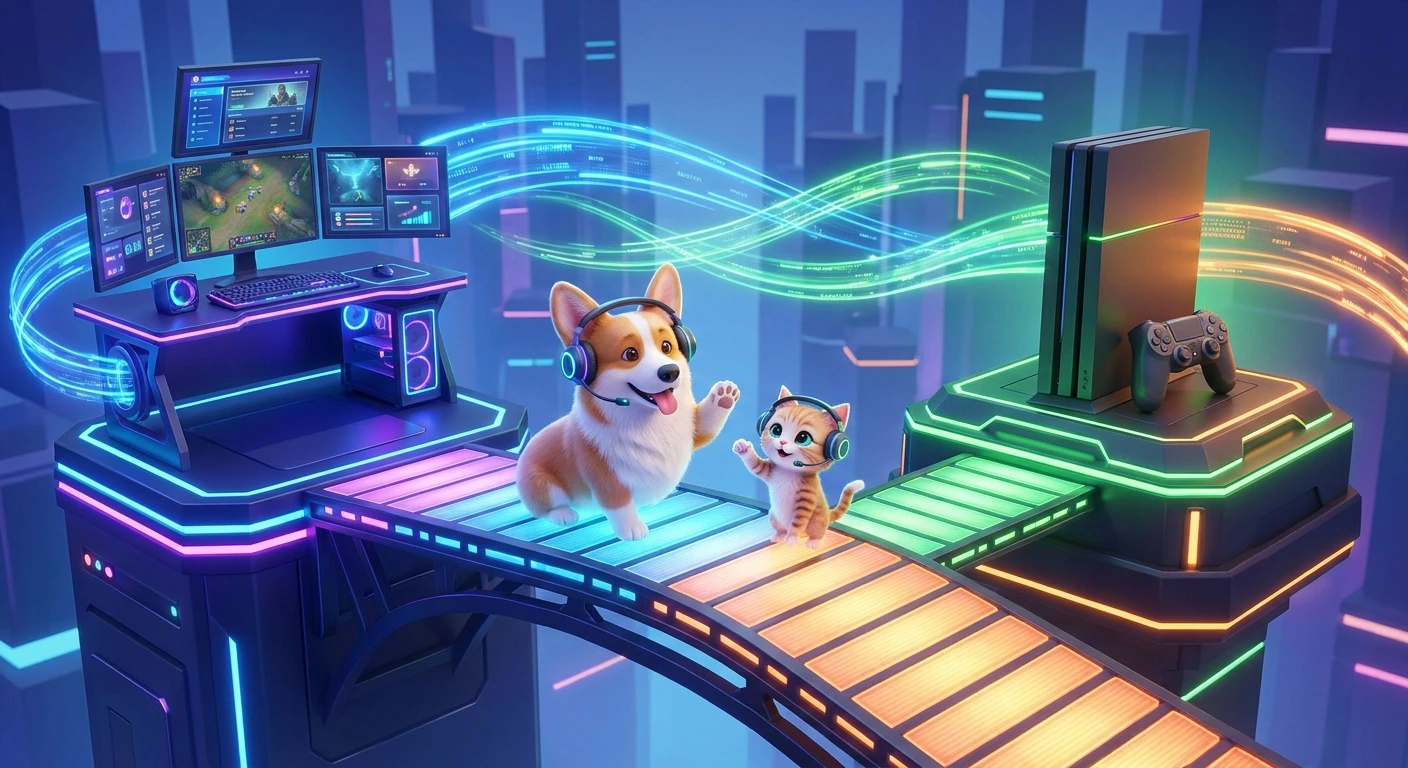
If you are coordinating a weekend gaming session and wondering, is Party Animals cross platform, you are in the exact right place for a straightforward answer. Yes, the game fully supports cross-platform play between PC and Xbox consoles. Multiplayer gaming heavily relies on seamless connections, and breaking down hardware barriers completely transforms the group dynamic. When a physics-based brawler allows your friends on a gaming rig to seamlessly grapple with players on a living room console, the chaos scales perfectly. The landscape of online multiplayer has shifted dramatically away from isolated console ecosystems, making crossplay a mandatory feature for party games to survive and thrive.
Party Animals relies entirely on unpredictable physics, floppy movements, and hilarious cooperative or competitive interactions. Having a restricted player base would severely limit matchmaking speeds and overall fun. By unifying the Steam, Windows Store, and Xbox player pools, the developers ensured that lobbies populate instantly. You do not have to worry about buying the same hardware as your friends to throw a virtual corgi off a freezing submarine. The connectivity works right out of the box, though understanding how to link up across different storefronts requires a quick look at the in-game social menus.
Read also: Is Party Animals Crossplay: Multiplayer Guide for Xbox & PC; Is Elden Ring Cross Platform? Everything You Need.
To truly grasp how this network integration benefits your lobby, we need to break down the mechanics of adding players and the value it brings to your gaming nights. Managing a unified friends list means bypassing native console or PC restrictions.
Core Crossplay Mechanics and Benefits
The cross-platform infrastructure built into Party Animals is robust, linking several different hardware generations and digital storefronts into a single cohesive matchmaking pool. This means a player utilizing a high-end desktop on Steam can party up directly with someone playing on a first-generation Xbox One. The inherent value here is twofold: accessibility and longevity. Because the game is available on Xbox Game Pass, the barrier to entry is remarkably low, flooding the servers with an active, diverse player base.
Consider a scenario where your gaming group is split. Two people prefer the couch comfort of an Xbox Series X, while the other two are dedicated PC gamers using Steam. Without crossplay, you would be forced into buying a second copy of the game or abandoning the session entirely. Instead, the unified friend ID system bridges this gap flawlessly. Another major benefit is the unified matchmaking pool for quick play. Even if you are playing solo, the sheer volume of combined Xbox and PC players ensures that wait times remain under twenty seconds for almost any game mode.
| Platform / Storefront | Crossplay Supported? | Matchmaking Network Ecosystem |
|---|---|---|
| PC (Steam) | Yes | Global Unified Pool (PC & Xbox) |
| PC (Xbox App / Windows) | Yes | Global Unified Pool (PC & Xbox) |
| Xbox Series X|S & Xbox One | Yes | Global Unified Pool (PC & Xbox) |
If you want to get your friends into the same lobby across different hardware, the process is streamlined. Follow these exact steps to add cross-platform friends:
- Launch the game and navigate directly to the main menu screen.
- Click on the “Friends” icon located at the bottom right corner of the user interface.
- Select the “Add Friend” tab and input your friend’s unique in-game numerical ID (found at the top right of their own social screen).
- Once they accept the friend request in-game, you can invite them directly to your custom lobby or matchmaking party.
Origins of the Party Animals Concept
The journey of this physics brawler began well before its massive full release. Recreate Games, the studio behind the title, initially envisioned a highly tactile, physically simulated world where cute animals engage in surprisingly brutal, slapstick combat. When the earliest public demos surfaced around 2020, the gaming community immediately gravitated toward the hilarious unpredictability of the floppy characters. The initial concept was simple, but executing synchronized ragdoll physics over an internet connection was a massive technical hurdle. The developers recognized early on that a party game lives or dies by its social friction. If friends could not play together easily, the viral momentum would stall.
Evolution of Cross-Platform Gaming
During the initial development cycle, the industry standard for multiplayer titles was undergoing a massive shift. Just a few years prior, Sony, Microsoft, and PC storefronts kept their player bases strictly segregated. As titles like Fortnite and Rocket League broke down these walls, players began expecting cross-network compatibility as a baseline feature, not a luxury. Recreate Games took the extra time between the 2020 demo and the 2023 official launch to ensure that their networking infrastructure could support a unified ecosystem. They aligned closely with Microsoft, securing a day-one launch on Xbox Game Pass, which necessitated flawless communication between Windows PC users and Xbox console hardware.
Modern State of Multiplayer Brawlers
Today, the landscape of multiplayer brawlers demands seamless connectivity. The modern state of Party Animals reflects this reality, operating with a healthy, highly populated server network that spans multiple continents. Players no longer ask if a game will have a community in six months; they look at the crossplay capabilities to gauge longevity. Because Party Animals seamlessly integrates PC and Xbox users, the game has maintained a steady presence at casual gatherings and online streams alike. The unified friend system acts as a standard for how independent and mid-sized studios should handle multiplayer networking, proving that you do not need to be a massive AAA publisher to execute a flawless cross-platform environment.
How Cross-Network Matchmaking Actually Works
From a technical standpoint, blending distinct hardware ecosystems into a single game session requires clever server-side architecture. When you queue up for a match, your local machine—whether it is a specialized gaming PC or an older Xbox console—does not communicate directly with the other players via peer-to-peer connections. Instead, all clients talk directly to a centralized dedicated server. This client-server model is essential for crossplay. The centralized server acts as the absolute authority on where every character is, how much stamina they have, and the precise angle of a shovel swinging toward a fuzzy dinosaur. This prevents the faster processing power of a high-end PC from desynchronizing with an older console, ensuring an even playing field regardless of hardware specifications.
Server Synchronization and Physics Engines
Physics-based games are notoriously difficult to sync over wide-area networks. Because Party Animals relies on active ragdolls—where animations dynamically react to hits, gravity, and player input—the server must calculate massive amounts of collision data every millisecond. The game utilizes a deterministic physics model alongside rollback netcode techniques to hide latency. If an Xbox player grabs a PC player, the server calculates the exact trajectory and momentum, broadcasting the resulting animation to all screens simultaneously. This requires highly optimized data packets.
Here are some technical realities of how the game maintains stability across platforms:
- Authoritative Server Architecture: Dedicated servers handle all physics calculations to prevent client-side manipulation or desynchronization between different hardware frame rates.
- Input Buffering: The network code utilizes small input buffers to smooth out actions, ensuring that a punch thrown on a 60Hz console screen registers correctly against a 144Hz PC monitor.
- UDP Packet Routing: The game relies on User Datagram Protocol (UDP) for rapid, continuous data streaming rather than TCP, prioritizing the speed of player movement updates over perfect packet delivery.
- Unified Account Validation: Backend servers authenticate through a proprietary system that bridges Steam API and Xbox Live API, mapping distinct platform tokens to a single internal game ID.
Step 1: Locate Your Unique In-Game ID
To start building your cross-network lobby, every player needs to find their unique identifier. Boot up Party Animals on your respective platform and wait for the main menu to load. Click the friends icon at the bottom right. At the top of this social panel, you will see your username followed by a series of numbers. This entire string is your crossplay identity. Write this down or copy it to your clipboard.
Step 2: Share Your ID with Your Group
Communicate this ID to your friends via Discord, text message, or whatever third-party chat app you use to coordinate game nights. Because Xbox and Steam do not natively share text chat across their operating systems, you need an external way to pass this numerical code to the person acting as the lobby host.
Step 3: Open the Add Friend Interface
The designated lobby host must now open their social menu in-game. Navigate to the specific tab labeled “Add Friend.” This menu bypasses the Steam overlay or the Xbox dashboard, operating entirely within the game’s internal server network. This is crucial because standard platform invites will fail across different hardware.
Step 4: Send the Cross-Platform Request
Type your friend’s exact username and numerical ID into the search bar. Hit enter, and the game will query the unified player database. Once their profile appears, hit the add button. The server immediately sends an in-game notification to their client, regardless of whether they are sitting at a PC desk or on a living room sofa.
Step 5: Accept Incoming Invitations
The receiving player will notice a notification dot on their social menu icon. Opening it reveals the pending friend request under the “Requests” tab. Accept this request. You are now permanently linked on the in-game friends list, meaning you will not have to repeat this numerical ID process for future gaming sessions.
Step 6: Create a Custom Match or Party Up
With everyone added to the internal list, the host can create a custom game or form a matchmaking party. Simply click the plus icon next to their name in the social menu to invite them to your squad. They will spawn into your interactive main menu lobby, where you can run around and hit each other before the game even starts.
Step 7: Select Maps and Rule Sets
Once the whole cross-platform crew is assembled in the lobby, the host can navigate to the custom game settings. Choose between the Last Stand maps, where you try to throw each other off shrinking platforms, or the Team Score maps, like the sports-themed arenas. Confirm the lobby, and the unified server will load everyone in simultaneously.
Debunking Common Crossplay Misconceptions
Myth: PC players have a massive competitive advantage over Xbox players due to keyboard and mouse controls.
Reality: Party Animals is heavily optimized for controller input. In fact, utilizing a gamepad provides much smoother 360-degree movement for throwing, grabbing, and dodging. PC players using a keyboard often find the physics-based combat more rigid, leveling the playing field completely for console users.
Myth: You must pay a premium subscription fee to access cross-network features on PC.
Reality: PC players on Steam do not pay any recurring fees for multiplayer access. Only console players require their standard Xbox network access (like Game Pass Core or Ultimate) to play online, which applies to all premium multiplayer console games.
Myth: In-game voice chat is broken between different hardware ecosystems.
Reality: The internal voice chat system works flawlessly across platforms. As long as you have voice chat enabled in the game settings and your microphone properly assigned, PC and Xbox players can communicate directly without needing a third-party app.
Does Party Animals support cross-progression?
No, cross-progression is not currently supported between completely separate ecosystems like Steam and Xbox. Your unlocked skins, currency, and leveling progress remain tied to the specific storefront where you purchased the game.
Can PlayStation users play Party Animals?
At this time, the game is exclusive to PC and the Xbox hardware ecosystem. There is no PlayStation version available, so crossplay is limited entirely to Microsoft Windows, Steam, and Xbox consoles.
Is local co-op available while playing online?
Yes. You can have multiple players on the same local machine (using split-screen or shared screen mechanics) and still join an online lobby filled with cross-platform friends.
How do I mute cross-platform players?
You can mute anyone directly through the in-game pause menu. Simply bring up the scoreboard during a match, highlight the specific player’s name, and select the mute icon to silence their microphone.
Can Steam players invite Xbox Game Pass players?
Absolutely. Because the Xbox app for PC and the actual Xbox consoles share the same backend architecture as the Steam release, all these versions connect perfectly using the in-game friend ID system.
Are servers region-locked for multiplayer?
Servers are not strictly region-locked. You can manually change your server region in the main settings menu to connect with friends overseas, though you may experience higher latency and input delay as a result.
What is the maximum party size for a custom lobby?
Custom lobbies can hold up to 8 players simultaneously. You can mix and match PC and Xbox players in any combination to fill these 8 slots for private brawls.
Setting up your hardware should never stand in the way of a great gaming session. Now that you understand exactly how the unified matchmaking network operates, there is nothing stopping you from dominating the arena. Boot up the game, swap IDs with your console or PC friends, and get ready to toss them off the nearest virtual bridge!



Leave a Reply