
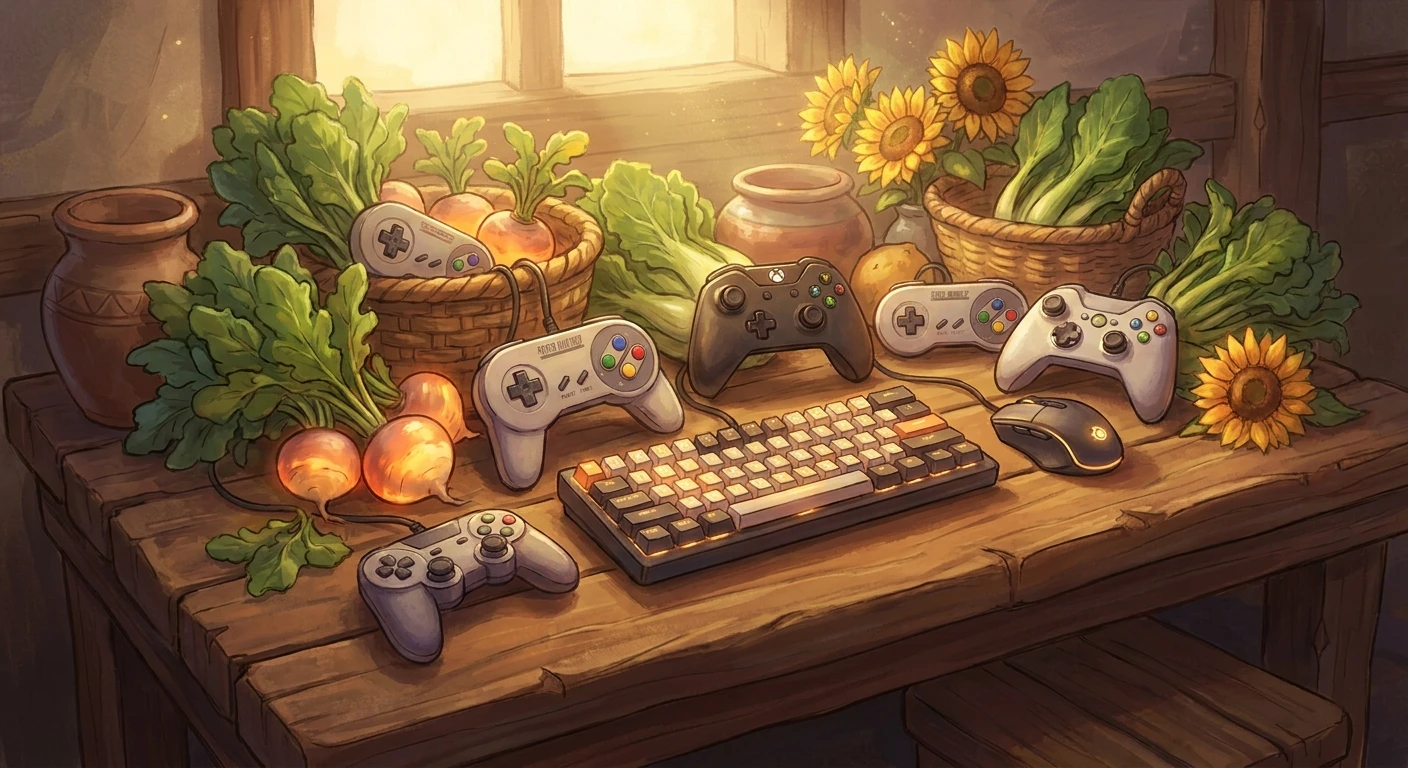
Navigating Cross-Platform Stardew Valley Multiplayer
If you are trying to figure out how Cross-Platform Stardew Valley multiplayer actually works between PC, consoles, and mobile devices, you are definitely not alone. It is one of the most frequently asked questions in the entire gaming community. You buy the game on your Switch, your friend grabs it on Steam, and you both want to build a massive farm together. The premise sounds incredibly simple, but the reality of cross-platform play requires a bit of technical maneuvering and clear expectations.
To give it to you straight: native, universal cross-play between completely different console ecosystems (like Xbox to PlayStation, or Switch to Xbox) is not supported. However, that is just one piece of the puzzle. The game offers seamless interoperability between PC and Mac users, a highly functional local co-op system, and even the ability to manually migrate save files across specific devices to keep your farm progress alive. As the title continues to thrive years after its monumental updates, understanding exactly how the network architecture functions saves you from massive headaches. We are going straight into the mechanics, the workarounds, and the strategies you need to know to get your agricultural empire running with your friends, regardless of where they bought the game.
Read also: Is Stardew Cross Platform? A Complete Multiplayer Guide; Is Elden Ring Cross Platform? Everything You Need.
The Core Mechanics: Benefits, Limitations, and Workarounds
Farming with friends changes the entire dynamic of the game. Instead of rushing to water crops, mine for ore, and fish all before the in-game clock hits 2:00 AM, you can divide and conquer. The primary benefit of multiplayer is unparalleled efficiency and shared progression. But to reap those rewards, you have to understand the boundaries of the game’s ecosystem.
Here is a detailed breakdown of how each major platform handles connectivity, co-op support, and file management.
| Platform Ecosystem | Multiplayer Support | Cross-Play Capabilities | Save File Flexibility |
|---|---|---|---|
| PC & Mac (Steam / GOG) | Yes (Up to 8 Players) | PC to Mac perfectly supported | Easily transferable to/from Mobile |
| Nintendo Switch | Yes (Up to 4 Players) | Switch ecosystem only | Locked to console |
| PlayStation / Xbox | Yes (Up to 4 Players) | Locked to respective console families | Locked to console |
| Mobile (iOS / Android) | No (Solo Only) | None | Transferable to PC/Mac |
The value proposition of multiplayer lies in resource management. For example, if you have one player dedicated solely to delving into the Skull Cavern while another manages the kegs and preserves jars back at the farm, your profit margins skyrocket. Another example is community center completion; having multiple people hunting for seasonal fish or specific crops cuts the required time in half. To maximize your current setup within these ecosystem limits, follow these crucial steps:
- Establish the primary host carefully: The host’s machine holds the save file. If the host goes offline, the farm goes offline. Always choose the player with the most stable internet connection and the most predictable schedule to act as the server host.
- Align your game versions: Even within the PC environment, if one player is running extensive modifications and another is running a vanilla installation, connection errors will inevitably occur. Keep your installations identical.
- Select the right farm layout: The Four Corners farm was literally designed for multiplayer. It divides the land into four distinct quadrants, giving everyone their own space to manage while sharing a central greenhouse and cave.
The Origins of Multiplayer Farming
When Eric Barone (ConcernedApe) first launched the game, it was an entirely solitary experience. Built from the ground up by a single developer over several years, the core code simply did not have the framework for network connectivity. It was a purely single-player homage to classic farming simulators, designed to be a personal, relaxing escape. The community, however, instantly recognized the potential for co-op gameplay, and the demand became overwhelming.
The Evolution of Co-op Code
Adding multiplayer to a finished game is akin to rebuilding an airplane engine while the plane is in flight. Chucklefish, the game’s original publisher, stepped in to help write the complex netcode required to sync weather, NPC schedules, and player inventories across different machines. Introduced in the 1.3 update, this feature fundamentally shifted how the community engaged with the valley. What started as basic cabin placements evolved into complex shared economies, scalable difficulty modifiers, and eventually, the massive 8-player PC farms introduced in later patches.
Modern State of Farming Networks
Today, the game operates on a robust, highly stable framework. While console manufacturers maintain strict walled gardens that prevent true universal cross-play, the infrastructure for the connections that do exist is highly optimized. PC players easily connect via Steam overlay, LAN, or direct invite codes, making the barrier to entry practically zero. The transition to the MonoGame framework smoothed out many early latency issues, resulting in a responsive, seamless co-op experience for those sharing an ecosystem.
Netcode and Peer-to-Peer Architecture
Understanding why universal cross-play does not exist requires looking at the game’s underlying network architecture. The game does not use centralized, dedicated servers hosted by the developer. Instead, it relies on a Peer-to-Peer (P2P) network model. The host’s machine acts as the server, processing the game state and sending that data directly to the clients (the other players). Because Sony, Microsoft, and Nintendo all have distinct, proprietary network protocols and security requirements, linking a P2P session directly across these competing infrastructures is a logistical and legal hurdle that most solo independent developers simply cannot justify clearing.
Ecosystem Walled Gardens
For cross-play to work in a P2P environment, the game would require a third-party account system (like Epic Online Services or a proprietary backend) to facilitate the handshake between a PlayStation and a Switch. Instead, the game hooks directly into the native APIs of whichever platform you are playing on. Here are a few technical realities about how the game handles this data:
- The save file uses an intricate XML-like JSON structure that logs exactly where every item, crop, and NPC is positioned at any given frame.
- Latency is handled client-side for immediate actions (like swinging a sword or pickaxe) to prevent input delay, while server-side checks validate inventory and gold transactions.
- Invite codes are essentially encrypted strings that tell the matchmaking server how to route traffic directly to the host’s IP address, bypassing the need for manual port forwarding on PC.
- Console versions strict adherence to their manufacturer’s closed-network APIs means an Xbox invite code literally cannot be parsed by a Switch console.
Step 1: Picking Your Platform Ecosystem
The very first thing you need to do is get your group into a group chat and agree on a single hardware ecosystem. If three of you have PC and one has a Switch, the Switch player will need to migrate to PC to join the farm. PC/Mac remains the most versatile option due to its eight-player capacity and mod support.
Step 2: Electing the Host Player
Never pick the host randomly. The host needs to be the person who is most likely to be online when the group wants to play. If your host goes on a two-week vacation, your farm is locked away until they return. Pick the most dedicated farmer of the group.
Step 3: Structuring the Farm Layout
Before launching, the host must choose the farm map. While the Standard farm offers the most tillable soil, the Four Corners farm provides segmented areas that prevent players from stepping on each other’s toes. Make sure the host builds enough starting cabins at Robin’s shop during the initial setup menu so everyone has a bed on day one.
Step 4: Harmonizing Game Versions
Ensure every single player has updated their game to the exact same version. A player running a legacy version will fail the handshake protocol when trying to connect to a fully updated host. On consoles, this usually happens automatically, but PC players should verify their game cache through Steam or GOG.
Step 5: Managing the Economy Options
The host gets to decide whether the farm’s wallet is shared or separate. A shared wallet is great for collaborative groups working toward giant community goals. Separate wallets are better if you want to compete or if certain players have expensive decorative habits that drain the communal funds.
Step 6: Delegating Daily Chores
Efficiency requires communication. Assign roles immediately. Player A waters the crops, Player B cares for the animals, Player C mines for copper, and Player D fishes for immediate daily cash. This prevents duplicated effort and maximizes your daily energy output.
Step 7: Troubleshooting Connection Drops
If a player suddenly disconnects, do not panic. The game state is saved at the end of the day when everyone goes to sleep. Have the disconnected player restart their game client and rejoin via the invite code or friend list. The host should wait to trigger the sleep cycle until everyone is safely back on the server.
Myths vs Reality in Network Farming
Because the topic of cross-platform connectivity is so highly searched, widespread misinformation is everywhere. Let’s clear the air.
Myth: You can play seamlessly between Xbox and PlayStation consoles.
Reality: The network architectures for these consoles remain completely isolated for this title. Xbox players can only farm with other Xbox players, and PlayStation players only with PlayStation players.
Myth: The mobile version has hidden multiplayer features if you know where to look.
Reality: Mobile versions are strictly single-player. There is no co-op menu, no network code, and no hidden feature to unlock it.
Myth: PC and Mac users cannot connect to each other.
Reality: PC and Mac cross-play works perfectly. Because both route through Steam or GOG’s network infrastructure, Windows and macOS users can share a farm seamlessly without any extra configuration.
Frequently Asked Questions
Can Switch players join a PC multiplayer session?
No. Switch players are limited to the Nintendo Switch Online ecosystem and cannot connect to PC servers.
Is cross-save available between platforms?
Native cloud cross-save is not supported. However, you can manually move save files between PC, Mac, and Mobile via file managers. Consoles are completely locked.
Will future updates add universal console cross-play?
The developer has stated that while the idea is appealing, the technical barriers for P2P cross-play between rival consoles make it highly unlikely for this specific game.
Does split-screen count as multiplayer?
Yes. You can play local split-screen co-op on PC and all major consoles, which allows multiple people to play on a single hardware system.
Can I move my PC multiplayer save to my phone?
Yes, you can manually transfer the save file to a mobile device, but it will revert to a single-player experience while on mobile.
Are there unofficial mods for cross-play?
There are no mods that successfully bridge console networks to PC due to the closed nature of console operating systems.
Is local wireless cross-platform?
No. Local wireless play only works between devices of the exact same hardware family, such as two Nintendo Switch consoles.
Final Thoughts
Figuring out the boundaries of network farming saves your gaming group a massive amount of time and frustration. While universal compatibility across every plastic box in your living room is not a reality, the robust co-op features available within individual ecosystems offer some of the most rewarding multiplayer experiences in gaming today. Grab your favorite group of friends, standardize your hardware choice, and start clearing those weeds. Ready to optimize your shared farm even further? Share this guide with your co-op crew to ensure everyone is on the same page before launch day!


Leave a Reply