
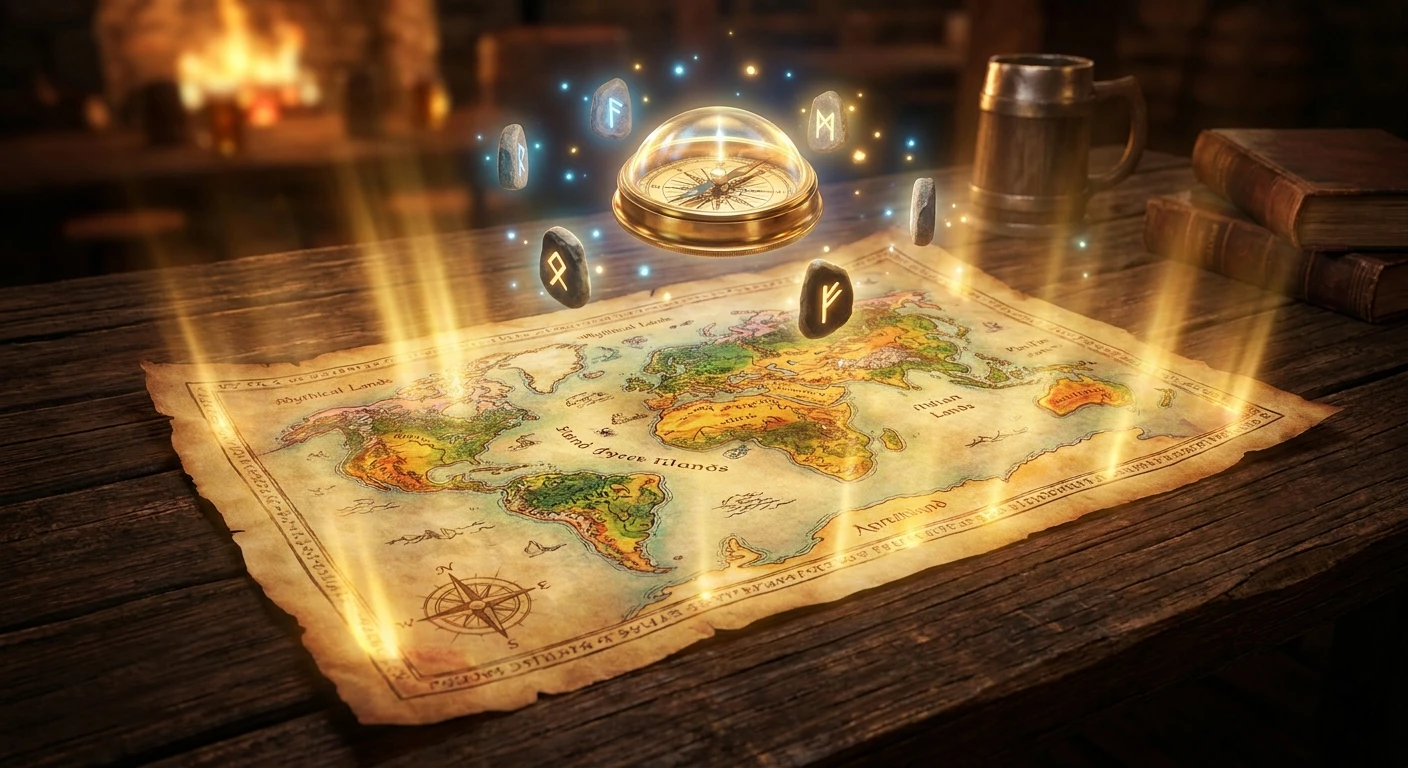
Why You Need an Elden Ring Interactive Map Right Now
Look, if you are still wandering the Lands Between blind, you seriously need an elden ring interactive map before you lose your mind. I remember playing back in Kyiv during the heavy rolling blackouts a few years ago. My power would only stay on for two or three hours at a time, meaning I couldn’t afford to wander aimlessly looking for a single Smithing Stone. Every single minute of electricity was precious, and getting lost in a random cave was totally off the table. I had to know exactly where I was going, what I was picking up, and how to get back to a Site of Grace before my monitor went black.
That is when I realized that using a dynamic tracking tool completely reshapes how you explore, farm, and survive. It shifts the entire game experience from endless, aimless frustration to sheer tactical mastery. You get to play smarter, plan your specific routes, grab the absolute best gear right out of the gate, and actually enjoy the stunning scenery without stressing over what you might have missed hidden in the bushes. Trust me, treating this game like a tactical mission rather than a random stroll saves you hundreds of hours. You want to focus on the epic boss fights, not circling the same tree looking for a hidden cave entrance.
The Massive Benefits of Planning Your Route
Let us talk about the core value of utilizing third-party tools for navigation. The primary benefit is absolute resource efficiency. You are no longer guessing where the upgrade materials are located. For example, if you need Golden Seeds to upgrade your flasks, you can just toggle a filter and see every single one on your screen. Another great example is hunting down specific Bell Bearings. Instead of accidentally skipping them, you just check the exact coordinates and grab them on your way to the next main boss.
| Item Category | Map Icon Type | Primary Benefit |
|---|---|---|
| Flask Upgrades (Seeds/Tears) | Glowing Yellow Tree / Goblet | Maximizes your healing capacity early in the game. |
| Smithing Stones | White/Black Rock clusters | Keeps your weapon damage scaling with enemy difficulty. |
| Key Quest NPCs | Character Portraits | Prevents you from accidentally failing major storylines. |
To really get the most out of this, you need a solid setup routine. Here is exactly how I approach a new gaming session:
- Clear the clutter: Open the tool and immediately click “Hide All” so you are not overwhelmed by thousands of tiny icons crowding your screen.
- Select immediate goals: Toggle on only the specific items you are actively hunting for that day, like map fragments or specific weapon locations.
- Track your progress: Create a free account on the platform so you can physically check off items as you find them, ensuring you never backtrack to an empty chest.
By filtering out the noise, you maintain the mystery of the game while still securing the crucial items you need to survive. It is the perfect balance between exploration and efficiency.
The Origins of Community Mapping
The concept of crowd-sourced cartography did not just pop out of nowhere. Back when the game first launched, players were literally drawing on physical grid paper and sharing terrible, low-resolution screenshots on forums. The community quickly realized that the sheer scale of the Lands Between required something much more robust. Dedicated fans, dataminers, and web developers banded together to create the very first digital versions. These early prototypes were clunky, slow, and often crashed your browser, but they were the foundation of everything we use today.
Evolution Through DLCs and Updates
As the game expanded with massive patches and expansions, so did the tools. Developers started integrating sophisticated user interfaces. The maps went from static, unzoomable jpegs to fully scalable, high-definition graphical interfaces. Whenever new areas were added, the community raced to document every single blade of grass. You would see interactive layers added within hours of a patch dropping, proving just how dedicated the fanbase really is to making sure nobody misses out on secret content.
Modern State of Navigation in 2026
Fast forward to 2026, and these platforms are basically professional-grade software. We now have seamless integrations that remember exactly what you have looted across multiple playthroughs. You can leave custom notes, share specific route links with your friends on Discord, and even view 3D topographical overlays for those insanely confusing underground areas. The modern tools are responsive, incredibly fast, and optimized perfectly for a second monitor or a mobile screen propped up on your desk.
The Data Scraping Process Explained
Have you ever wondered how these platforms get their coordinates so perfectly accurate? It all comes down to data scraping and API parsing. In simple terms, an API (Application Programming Interface) is like a digital bridge that allows different software programs to talk to each other. Dataminers pull raw coordinate data directly from the game files. Every single item in the game has an X, Y, and Z coordinate. The developers take those raw numbers and translate them into visual pins that sit perfectly on top of a highly detailed vector image of the game world. A vector image is just a graphic that can zoom in infinitely without getting blurry, which is why everything looks so crisp when you zoom in on a specific castle.
Real-Time Syncing Mechanics
The really magical part is how the state management works in your browser. When you click “found” on an item, the site uses local storage or cloud databases to save that exact state instantly.
- Zero latency loading: Vector tiles load in tiny chunks as you pan around, meaning the browser barely uses any RAM.
- Cross-device syncing: Thanks to lightweight cloud databases, clicking an item off on your phone instantly updates the view on your desktop monitor.
- Overlay integration: Some advanced desktop apps use memory reading to literally show your live character position right on the digital canvas, completely eliminating the need to cross-reference coordinates visually.
These technical leaps make the user experience buttery smooth, allowing you to focus entirely on your gameplay rather than fighting with a laggy browser window.
The 7-Day Completionist Action Plan
If you want to absolutely dominate the game without feeling overwhelmed, you need a structured approach. Let me give you a foolproof, step-by-step weekly plan.
Day 1: Limgrave Setup and Baseline Sync
Start in the starting zone. Toggle only Map Fragments, Sites of Grace, and Golden Seeds. Your sole mission today is to uncover the basic fog of war and secure your fast-travel network. Do not fight bosses yet; just ride your horse and tag the checkpoints.
Day 2: Liurnia Progression and Quest Markers
Move north. This area is massive and confusing. Turn on NPC markers and ensure you initiate the major magical questlines. The swamp is visually deceptive, so rely heavily on the zoom function to find the hidden caves along the cliff edges.
Day 3: Caelid Survival Tactics
Caelid is a nightmare. Switch your filters to look exclusively for Sacred Tears and high-level Smithing Stones. Grab the loot and get out. You want to minimize your time spent in the rot, so plan a literal smash-and-grab route using your custom markers.
Day 4: Altus Plateau Resource Harvesting
By now, your weapons need serious upgrading. Filter for mines and tunnels. The verticality here can be tricky, so pay close attention to the underground vs. overground toggles on your interface to figure out how to access the ravines.
Day 5: Mountaintops of the Giants Preparation
The difficulty spike here is brutal. You need maximum health. Use your tool to track down any missing Vigor-boosting talismans or defensive tears for your Flask of Wondrous Physick. Double-check everything you left behind in earlier zones.
Day 6: End-Game Boss Tracking
Turn off the item filters completely. Turn on the Boss and Evergaol filters. It is time to hunt down the optional encounters you skipped. Check them off one by one to ensure you collect all the unique Remembrance drops before triggering the final events.
Day 7: Shadow of the Erdtree Overlay
If you are heading into the DLC zones, switch the map layer entirely. The new areas are incredibly dense. Treat it like Day 1 all over again: grab the fragments, establish the Graces, and use the custom notes feature to mark doors you cannot open yet.
Debunking Common Navigation Myths
Myth: Using these tools completely ruins the sense of exploration and ruins the game.
Reality: You are entirely in control of what you see. By utilizing filters, you can hide all spoilers and only reveal quality-of-life items like checkpoints. It enhances exploration by removing tedious backtracking.
Myth: Setting up an account and tracking items is way too complicated and time-consuming.
Reality: It literally takes one click to hide or show markers, and clicking an icon immediately fades it out. It takes less than two seconds of effort per item.
Myth: The locations are always outdated after major patches.
Reality: The dedicated community updates these platforms within hours of any patch in 2026. Dataminers ensure the coordinates are perfectly mathematically accurate straight from the source code.
Frequently Asked Questions
How do I track my progress automatically?
While most browser-based versions require manual clicking to mark items as “found,” there are downloadable desktop clients that can read your save file or screen data to automatically check off bosses and items as you get them. Just be careful and only download trusted software to avoid bans.
Can I use it on my mobile phone while playing on a console?
Absolutely. The best web platforms are fully optimized for mobile browsers. You can prop your phone up on your coffee table, log into your account, and tap the screen to cross off items while your controller is in your other hand.
Are the boss drop lists accurate?
Yes, the drop lists are pulled directly from the game’s item tables. When you click on a boss icon, a small pop-up window will show exactly how many runes they drop and the specific gear you will receive, helping you decide if the fight is worth your time.
Does it sync with my PlayStation or Xbox?
Native console syncing is generally not possible due to closed ecosystem security. However, cloud accounts allow you to manually track your console progress on your laptop or phone seamlessly without losing your data.
Is it completely free to use?
The vast majority of the core features, including all item locations and basic tracking, are entirely free. Some sites offer a premium one-time upgrade to remove ads, enable unlimited custom map markers, or unlock extreme high-resolution zooming.
What about illusory walls and hidden paths?
You can toggle a specific filter just for illusory walls! The community usually leaves detailed comments on these pins, often attaching screenshots or short gifs showing exactly which wall you need to hit to reveal the path.
How often are the coordinates updated?
They are practically updated in real-time. If a new secret is discovered or a patch slightly moves an item, users submit corrections that are usually verified and pushed live by moderators within a few hours.
Stop wasting your precious gaming hours wandering in circles. Grab a high-quality elden ring interactive map, filter out the noise, and turn your next playthrough into a tactical masterclass. Get out there, start exploring efficiently today, and claim your absolute rightful place as Elden Lord!

Leave a Reply